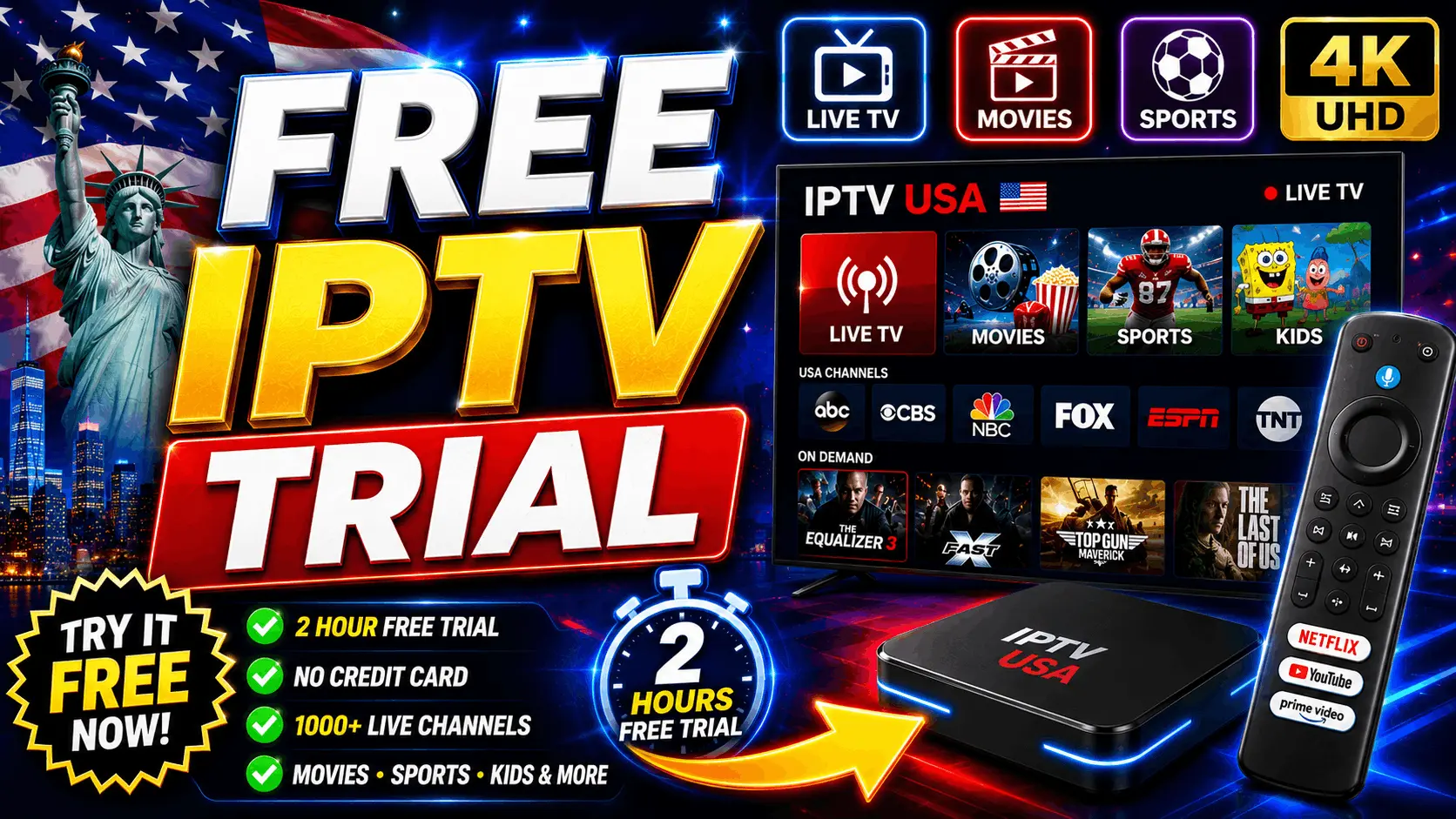

Before spending $60-100 on a year of IPTV, you want to know it actually works — that the sports channels you want are actually included, that streaming quality holds up on your specific internet connection, that support responds when you have questions.
That's what a free IPTV trial is for. In 2026, most reputable US IPTV providers offer either a trial or a money-back guarantee. This guide covers how to get one, exactly what to test in the first 24 hours, and how to spot the scam services pretending to offer trials.
⚠️ Important: Not every "free trial" is legitimate. Some scam services offer a "trial" that's actually just an expiring subscription that they never intend to honor. This guide covers what to look for and how to test safely.
Why Ask for a Trial?
Three big reasons:
- Channel verification — Confirm the specific channels you care about are actually included and streaming reliably.
- Streaming quality check — Test whether your internet connection handles 4K streaming without buffering.
- Device compatibility — Make sure it works on the exact devices you'll use — your Smart TV brand, your Firestick model, your family's tablets.
A 24-hour trial isn't long enough for slow support turnaround times, but it's plenty to answer these three questions.
How to Request a Free IPTV Trial
Most legitimate US IPTV providers offer trials through one of two channels:
Method 1: WhatsApp
Contact the provider's support via WhatsApp. A typical message: "Hi, I'm interested in your service and would like to test it before subscribing. Can I get a 24-hour trial?"
Reputable providers will send you a trial account within minutes, no payment info required. You'll receive an M3U URL or Xtream Codes credentials that work in any IPTV player.
Method 2: Money-back guarantee (the safer alternative)
Many US providers no longer offer free trials because of abuse. Instead, they offer a 3-day money-back guarantee: subscribe to the shortest plan available, test everything, and cancel within the window if it doesn't meet your needs.
This is safer than a "free trial" because it filters out fraudulent providers who don't actually intend to honor refunds.
Testing a service on your Firestick? Follow our step-by-step install guide to get up and running in 10 minutes.
The 24-Hour Test: What to Check
Once you have trial credentials or your money-back-guaranteed subscription, run through this checklist within the first 24 hours:
Hour 1: Setup and initial impression
- Install an IPTV player (IPTV Smarters Pro, TiviMate, or IBO Player Pro) on your primary device.
- Enter the credentials — did it work first try, or did you need to contact support?
- Browse the channel list. Is it well-organized? Are channels grouped logically?
Hours 2-4: The important channels
- Open each of your must-have channels (local networks, sports, kids' channels, whatever matters to your household). Do they stream? Is quality acceptable?
- Test a live sports event if one is on. This is where quality drops in bad providers.
- Try a 4K stream if you subscribed for 4K. Is the picture actually 4K, or is it standard HD upscaled?
Hours 5-8: Real-world use
- Use it as your primary TV service for an evening. Does it hold up when the rest of the household is streaming or gaming?
- Test the on-demand movie and series library. Are there recent releases? Do subtitles work?
- Try switching devices — Firestick to phone to laptop. Do simultaneous streams work?
Hours 12-24: Support test
- Message support with a real question ("How do I add a second connection?" or "Can I watch this specific channel?"). How fast do they respond? How helpful is the response?
- Try during off-hours (late night, early morning) to confirm 24/7 claims.
What to Look Out For
Red flag: Buffering during prime time
Some services are overloaded on Sunday afternoons or during major events. If a channel buffers repeatedly during peak hours despite your fast internet, that's a fundamental infrastructure problem.
Red flag: Missing key channels
If ESPN or NFL Network or specific channels you care about aren't in the actual channel list — despite the provider's marketing — the trial has done its job. Cancel or move on.
Red flag: Slow support
If it takes 6 hours to get a WhatsApp response, expect the same slowness when your subscription has real issues. Support responsiveness during the trial predicts support during the subscription.
Green flag: Everything works, support is snappy
If your test hours go smoothly, support responds fast, and the channels you care about are all there — that's a service worth subscribing to.
Common IPTV Trial Scams
Some fraudulent providers use "free trial" as a bait-and-switch. Here's what to watch for:
- "Free trial" that requires credit card upfront — Legitimate trials don't. If they need your card, it's a subscription in disguise.
- Trial credentials that stop working after 2 hours — Some services offer "24-hour trials" that intentionally break early so you don't see problems.
- Aggressive sales pressure during the trial — Real providers let their service sell itself. If someone is high-pressuring you to subscribe now, walk away.
- No money-back guarantee at all — Any legitimate business offers some form of return policy.
What If You Can't Get a Free Trial?
Some of the best US IPTV providers no longer offer traditional free trials, having replaced them with money-back guarantees. This is actually better for you: instead of testing a trial account that might behave differently than a real one, you get the real service and can back out risk-free.
Practical approach:
- Subscribe to the shortest plan (usually 3 months).
- Test everything intensively in the first 3 days.
- If it doesn't work for you, request a refund within the guarantee window.
- If it works, continue for the full term or upgrade to a longer/cheaper-per-month plan.
FAQ: Free IPTV Trials
How long is a typical IPTV free trial?
24 hours is common. Some providers offer 48 or 72 hours. Anything shorter (2-6 hours) usually isn't enough to properly test.
Do I need to provide payment info for a free trial?
No. A legitimate free trial requires only your name and email/WhatsApp. If they ask for a card, it's a subscription.
Can I test on multiple devices during the trial?
Yes. Test on every device you plan to use — Smart TV, Firestick, phone, tablet, laptop.
What's the difference between a free trial and a money-back guarantee?
A free trial is a limited-time preview without payment. A money-back guarantee means you subscribe (pay), test, and can cancel for a refund within the guarantee window. In 2026, the money-back approach has become more common because it filters out abuse.
How do I request a Vivimate trial?
Vivimate offers a 3-day money-back guarantee on all subscriptions. This is more reliable than a free trial: subscribe to the shortest plan, test everything, and cancel within 3 days if you're not satisfied. Details on our refund policy page.
Conclusion
Whether it's a free trial or a money-back guarantee, testing your IPTV service before committing long-term is the right approach in 2026. Twenty-four hours of intensive testing tells you everything you need to know about a provider's reliability, channel lineup, streaming quality, and support responsiveness.
Once you find a provider that passes the test, subscribe with confidence — and enjoy the same TV experience you've been paying multiples for through cable and streaming subscriptions, for a fraction of the cost.